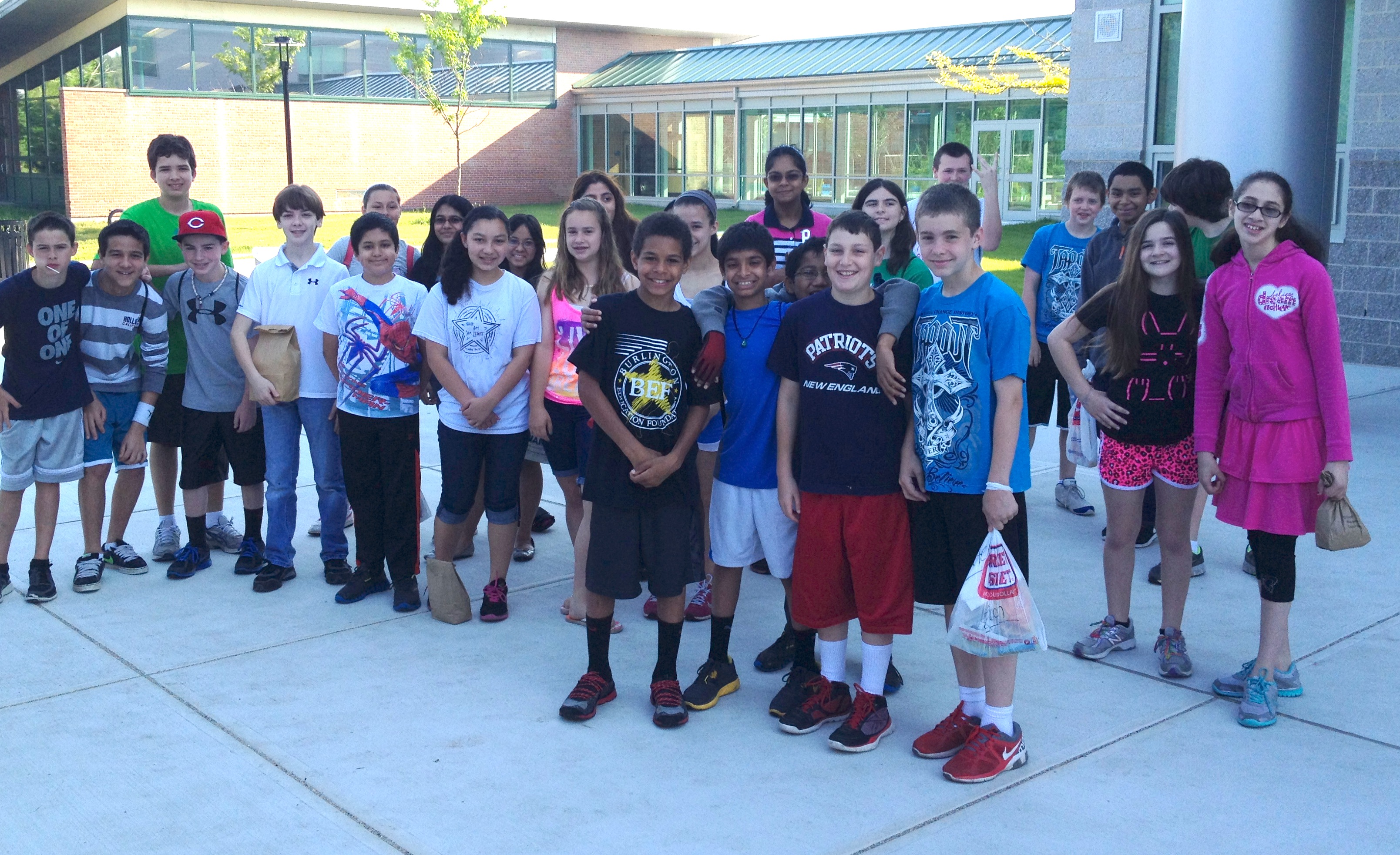
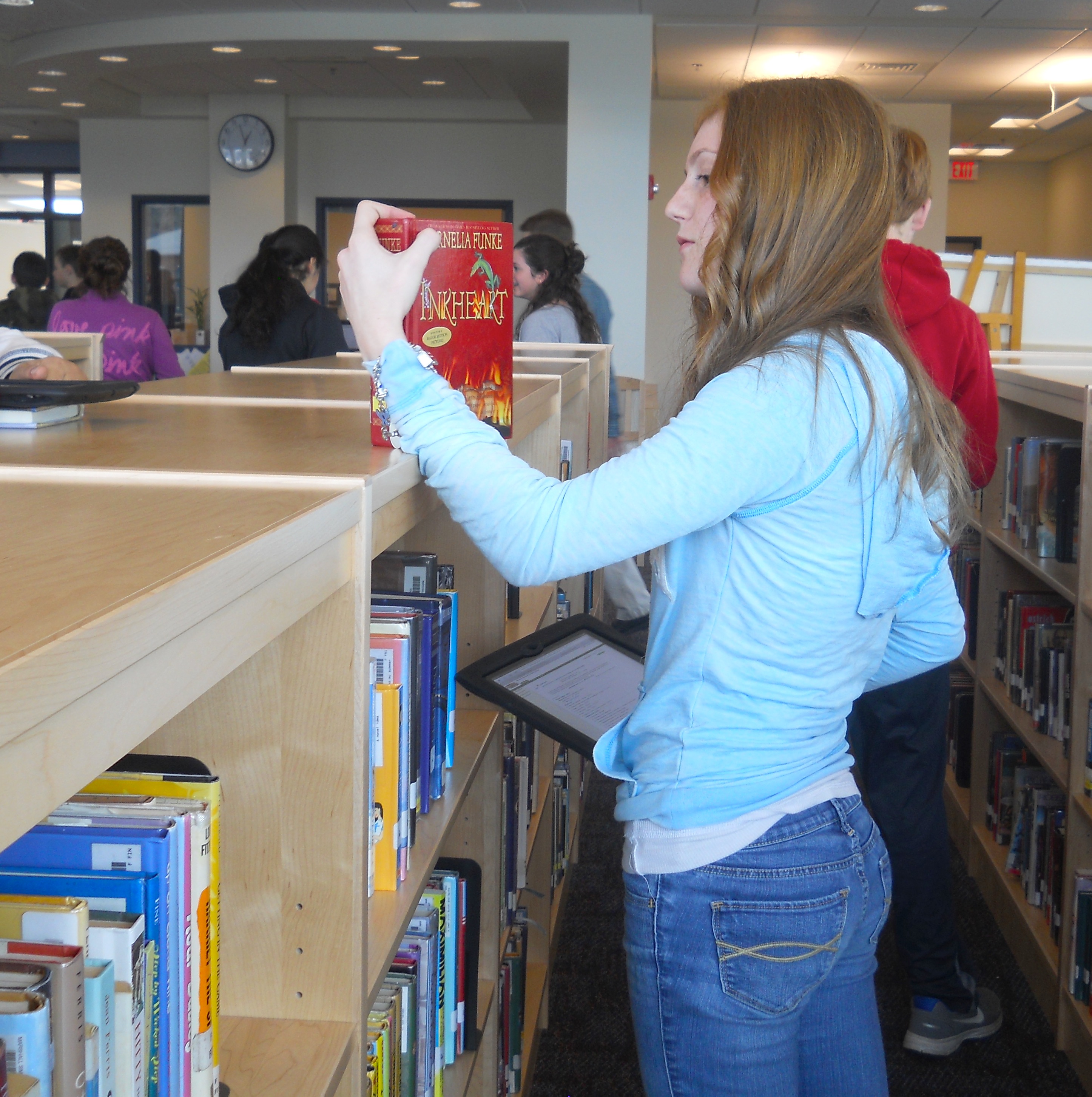
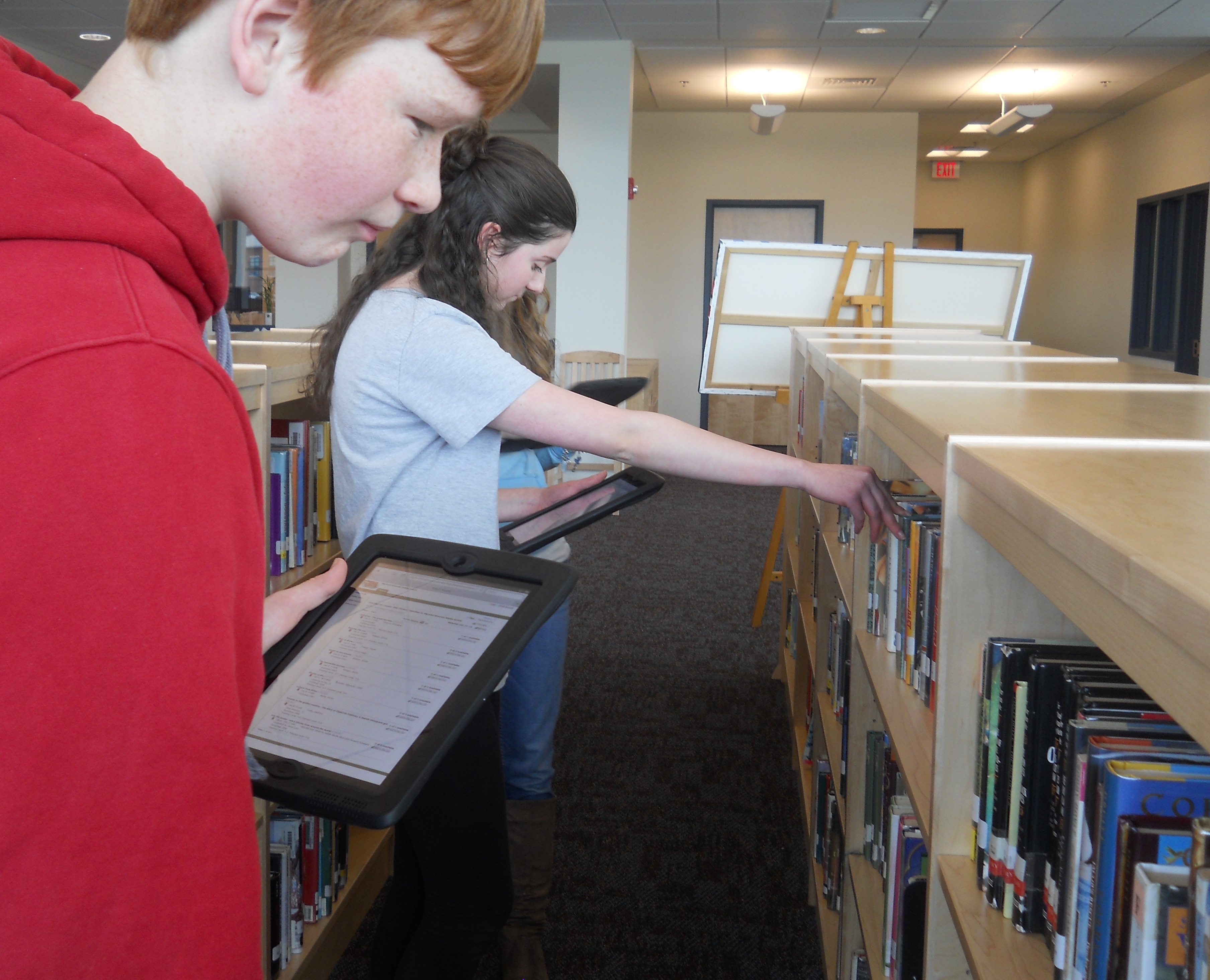
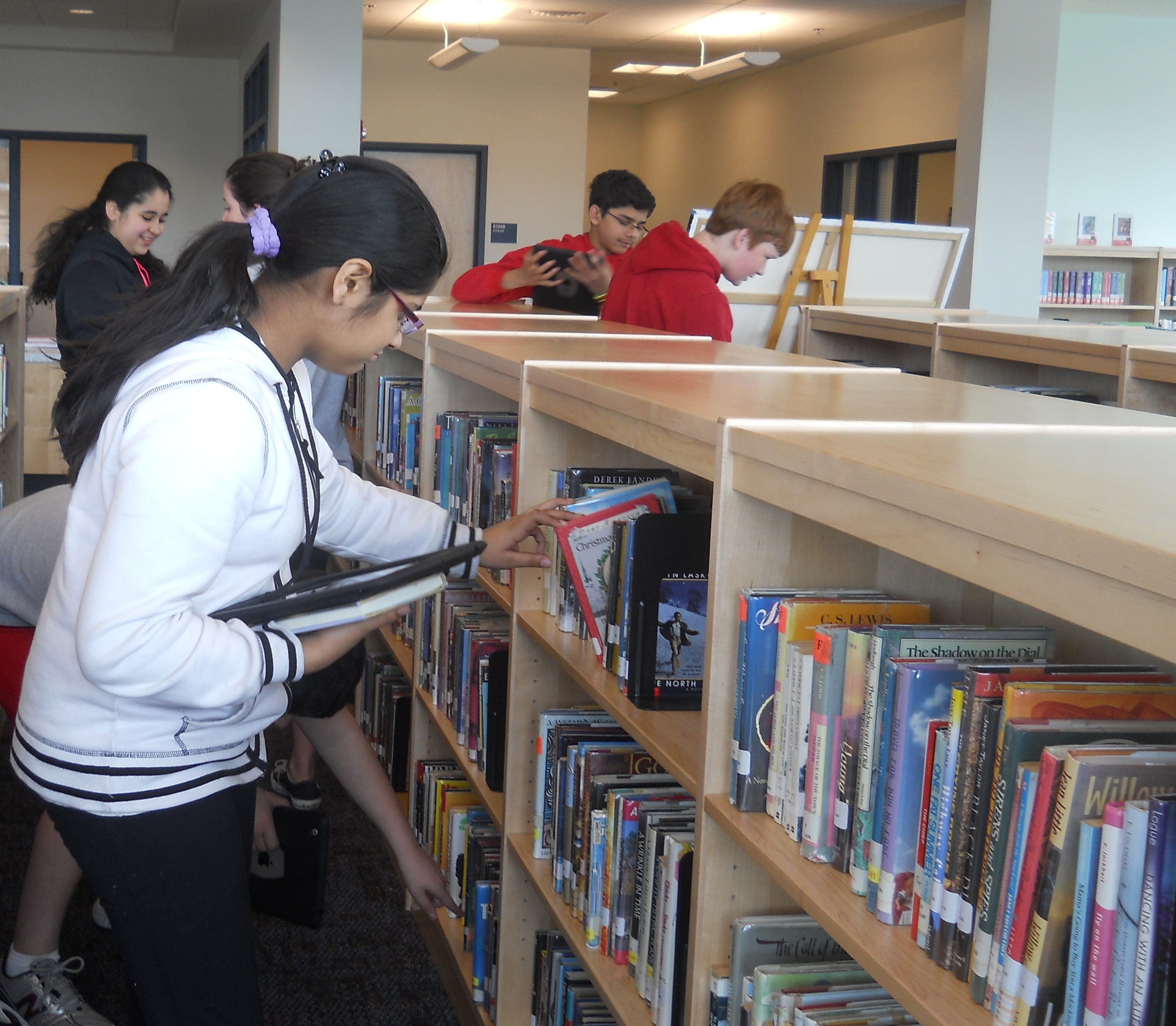
Instead of taking a traditional test to wrap up the geometry unit, 6A students participated in a school wide scavenger hunt. Students took pictures on their iPads around the math classroom, hallways, auditorium, Learning Commons, school entrance, and a courtyard to find different types of angles, lines, polygons, and perform some calculations on either volume, surface area, or area. Students were surprised that so many of the geometric concepts we have learned about surround them everyday. Here are some examples of the students’ Geometry Scavenger Hunts made on the Explain Everything app.
Showing posts with label Marshall Simonds Middle School. Show all posts
Monday, June 17, 2013
Thursday, June 6, 2013
Day 137 - Marshall Simonds Middle School Grade 6
Grade 6 Students Go to Mars at the McAuliffe Center:

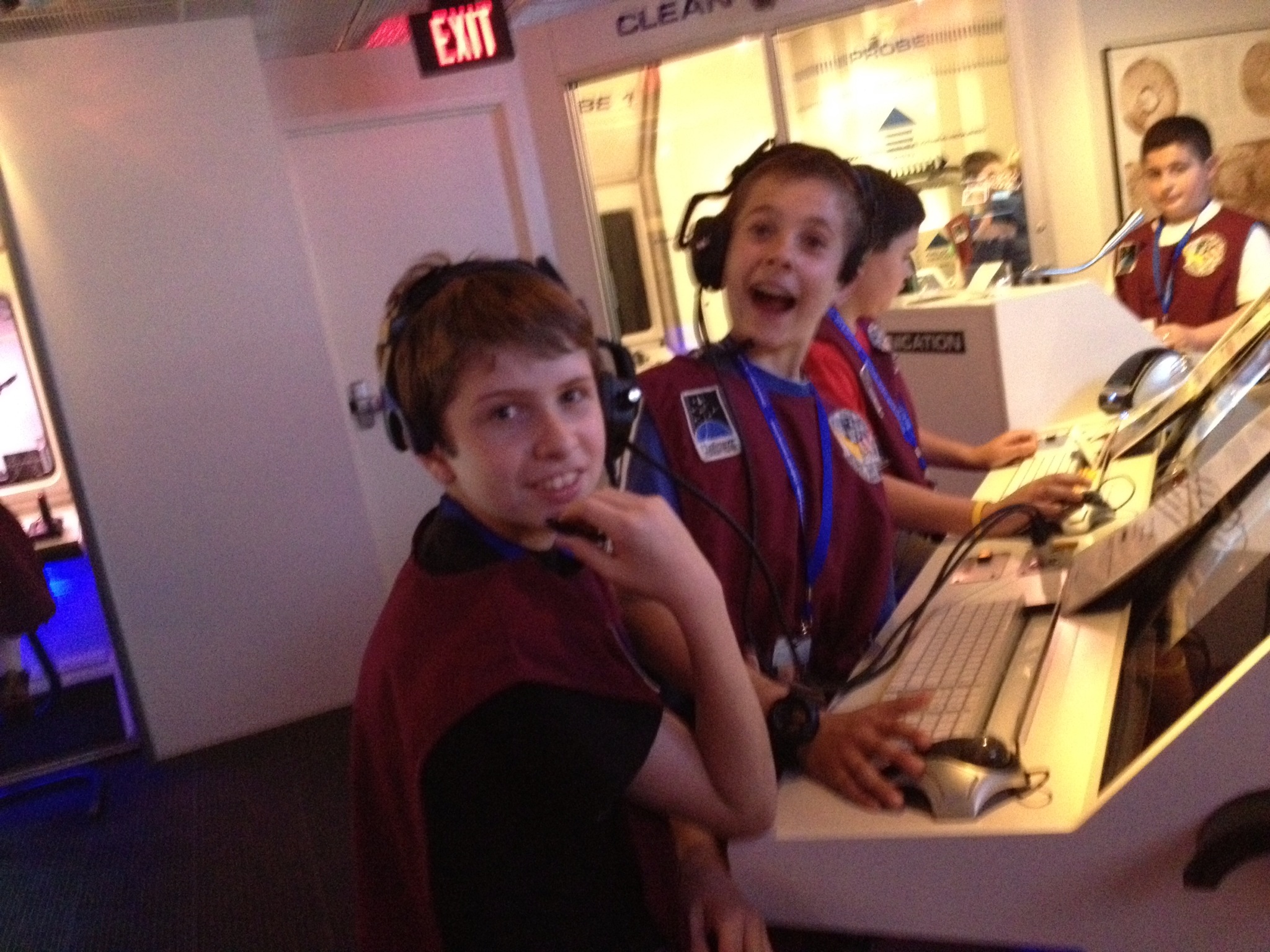
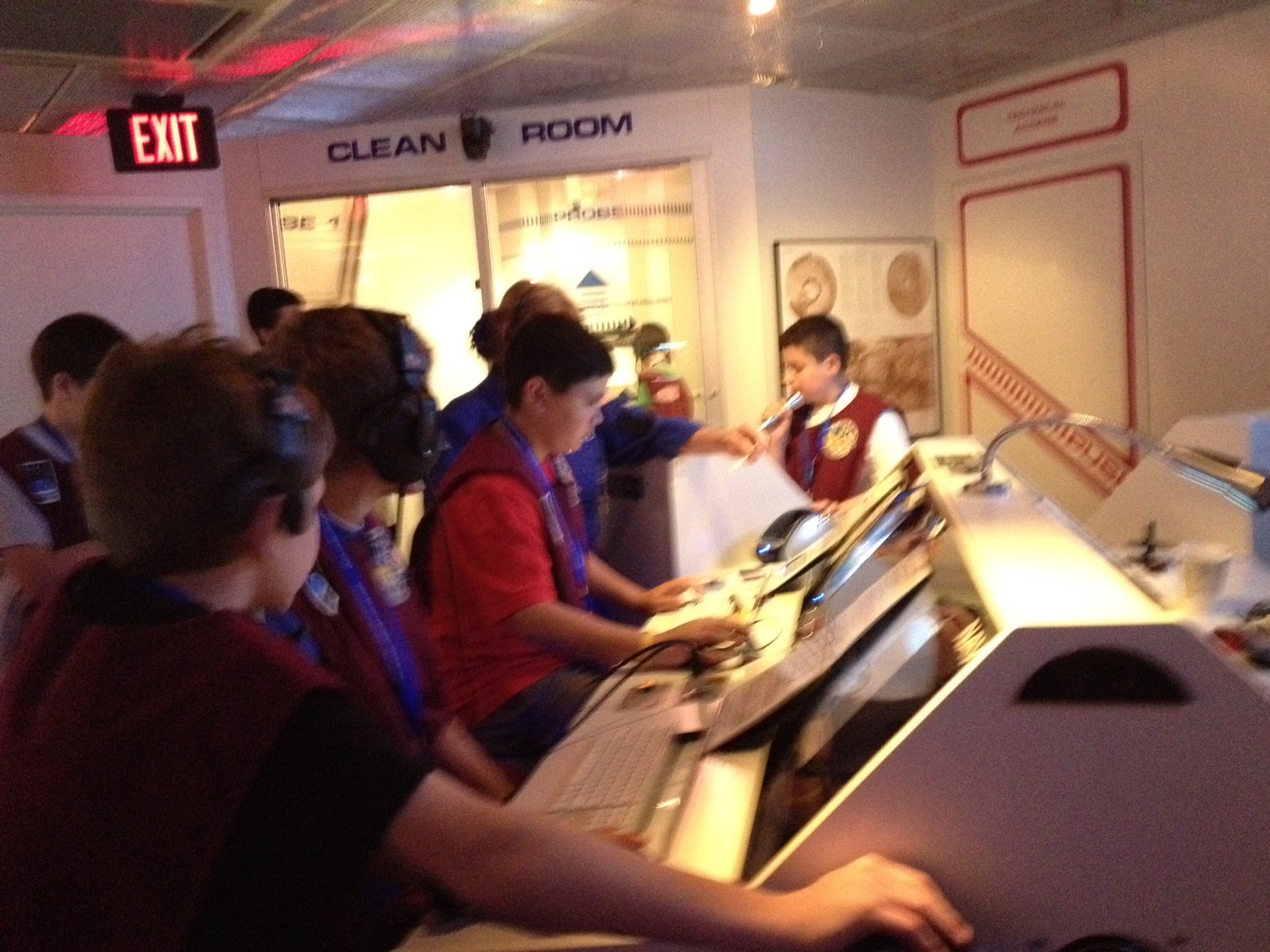
Last week , sixth grade students participated in a field trip to the Christa McAuliffe center at Framingham State University. Students had the opportunity to participate in a “Mission to Mars”, in which students played the roles of astronauts and scientists in the Mars lander spaceship and in mission control. They learned the importance of teamwork as they finished the tasks necessary to land the spaceship on Mars, and to launch a new crew back to Earth. In addition, the students viewed “Oasis in Space”, a digital multimedia presentation in the planetarium. They followed the presentation with a lesson on constellations by the planetarium staff, and a viewing of a scale model of the Mars rovers Spirit and Opportunity.


Last week , sixth grade students participated in a field trip to the Christa McAuliffe center at Framingham State University. Students had the opportunity to participate in a “Mission to Mars”, in which students played the roles of astronauts and scientists in the Mars lander spaceship and in mission control. They learned the importance of teamwork as they finished the tasks necessary to land the spaceship on Mars, and to launch a new crew back to Earth. In addition, the students viewed “Oasis in Space”, a digital multimedia presentation in the planetarium. They followed the presentation with a lesson on constellations by the planetarium staff, and a viewing of a scale model of the Mars rovers Spirit and Opportunity.
Friday, May 24, 2013
Day 129 - Marshall Simonds Middle School 8th Grade Science Classes
Grade 8 Science – Parachute Testing Lab:

As part of their study of physical science, 8th grade students learn about the many forces (mostly invisible) that affect their lives. Most well known is the force of gravity, which accelerates a falling object at nearly 10 meters per second toward the earth’s surface causing the object to go faster and faster. Air resistance, the collision of air particles pushing upward against the falling object, reduces the acceleration of gravity until the object eventually reaches a maximum or terminal velocity.

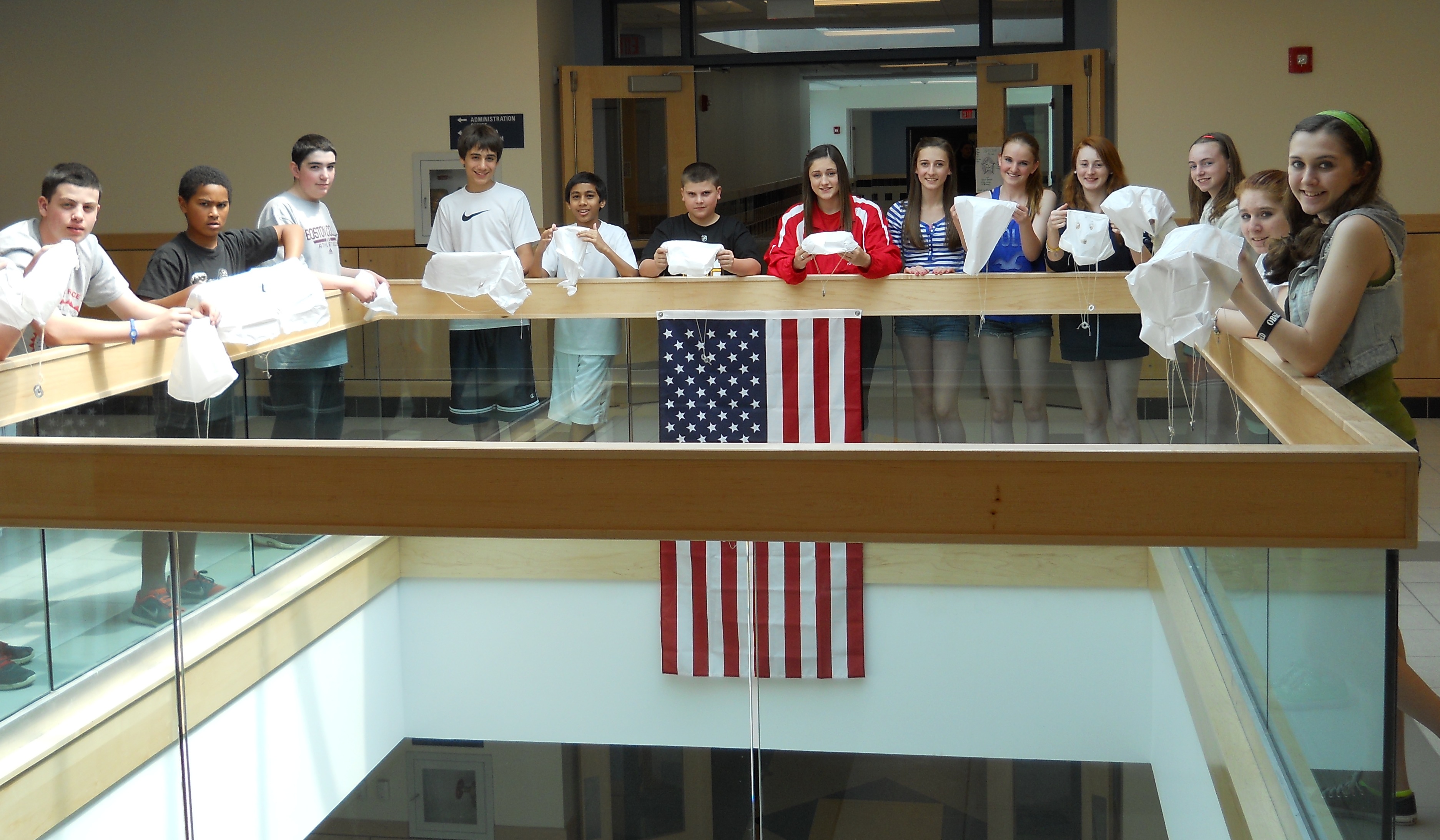
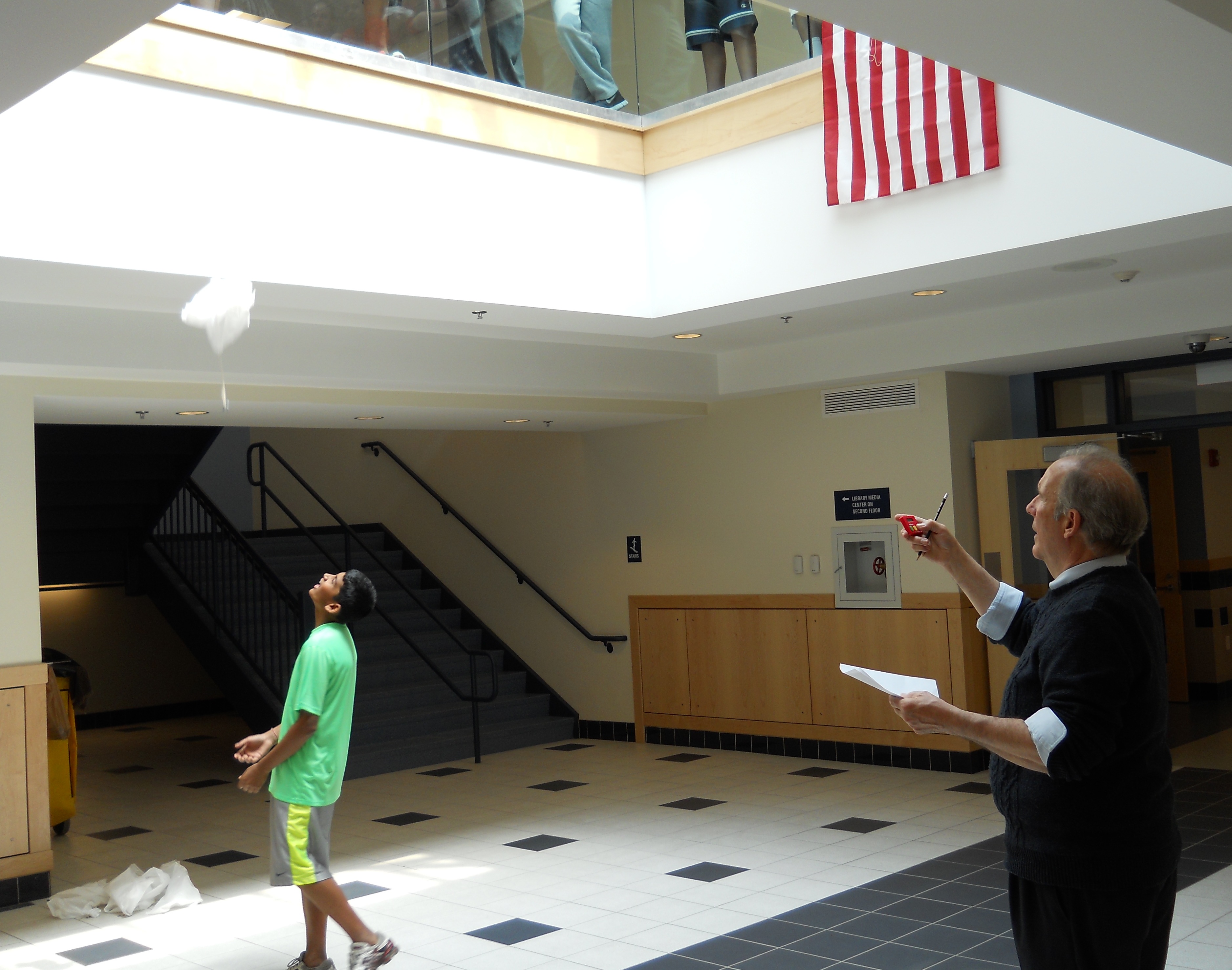
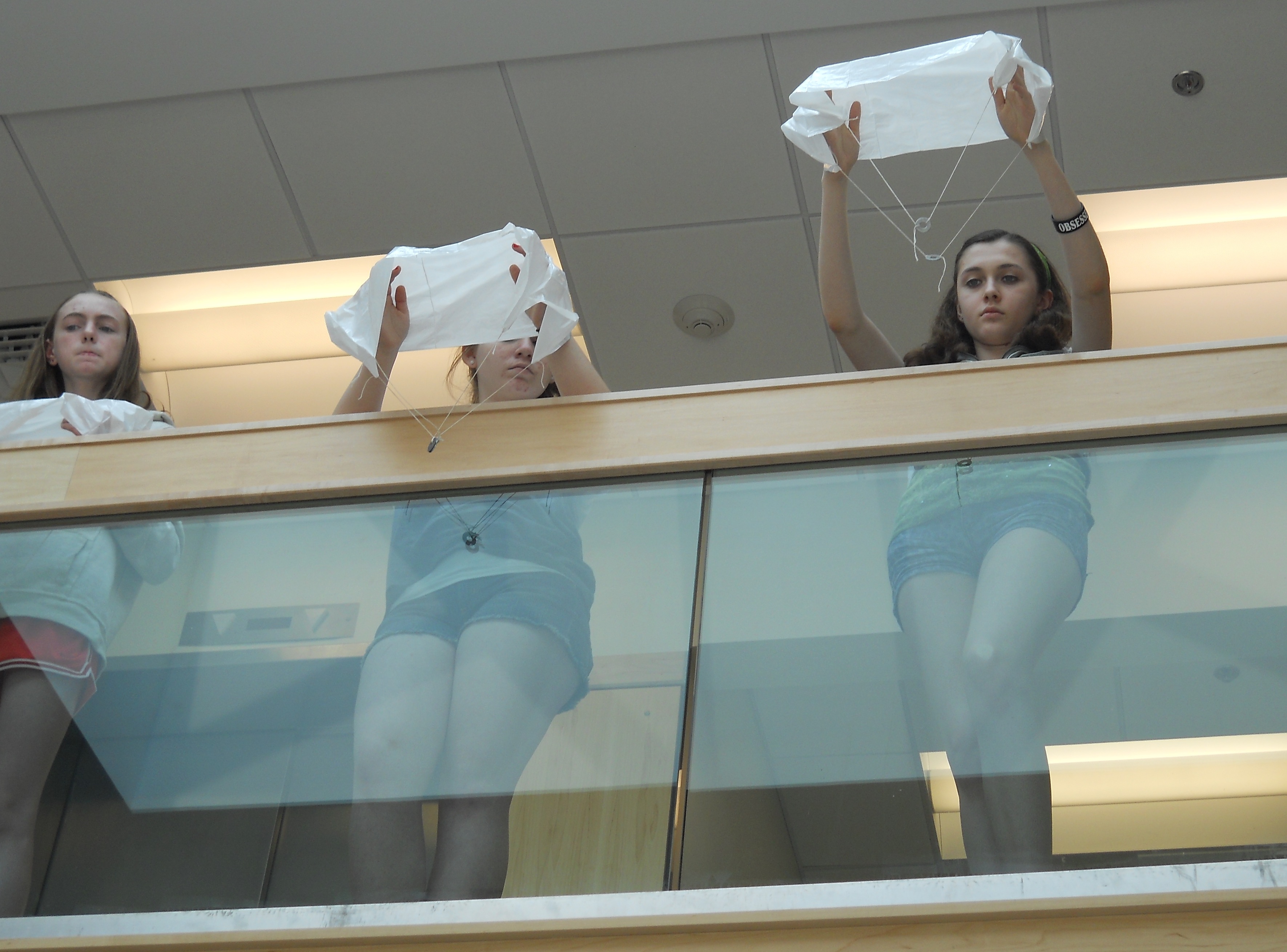
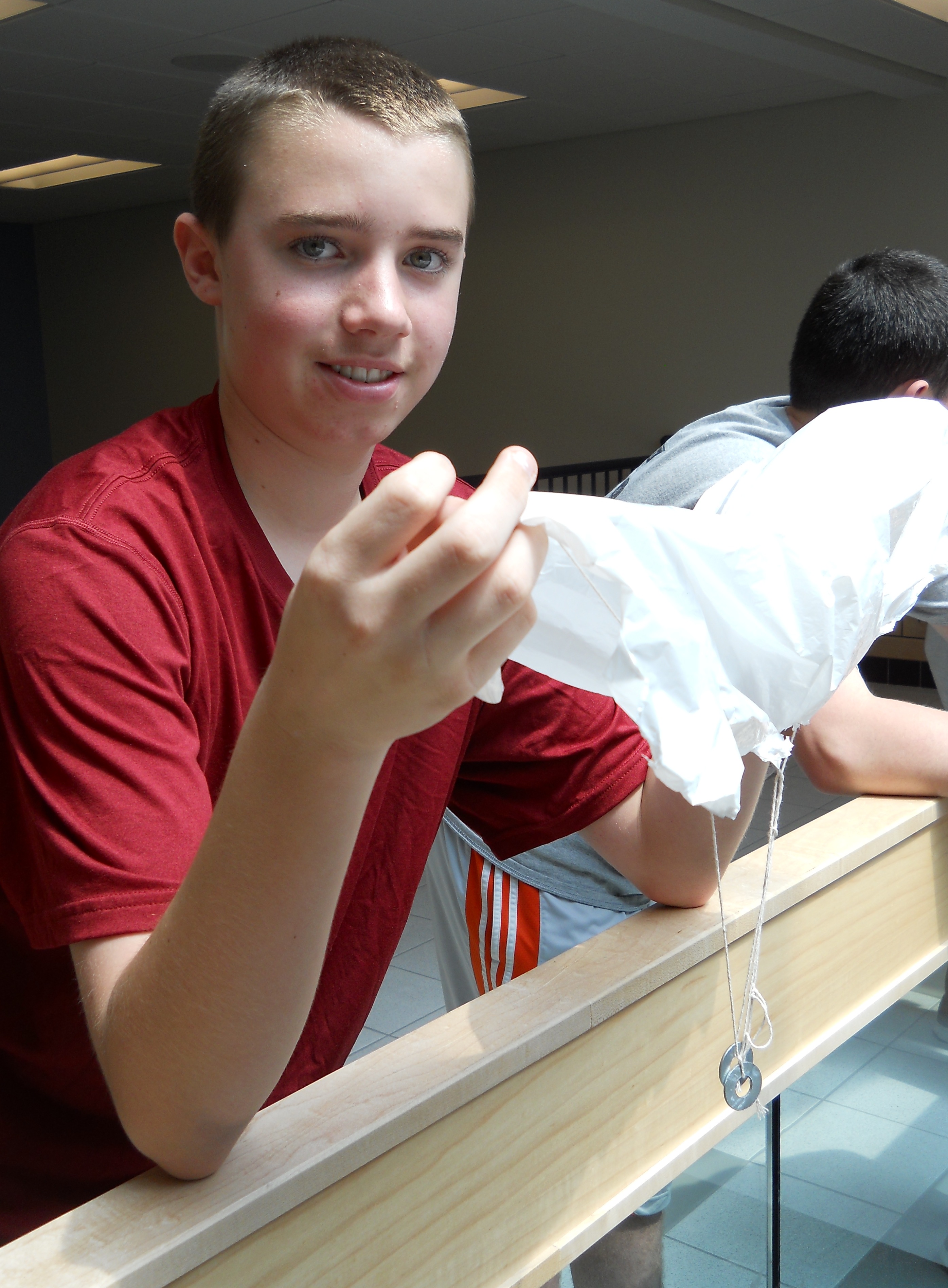
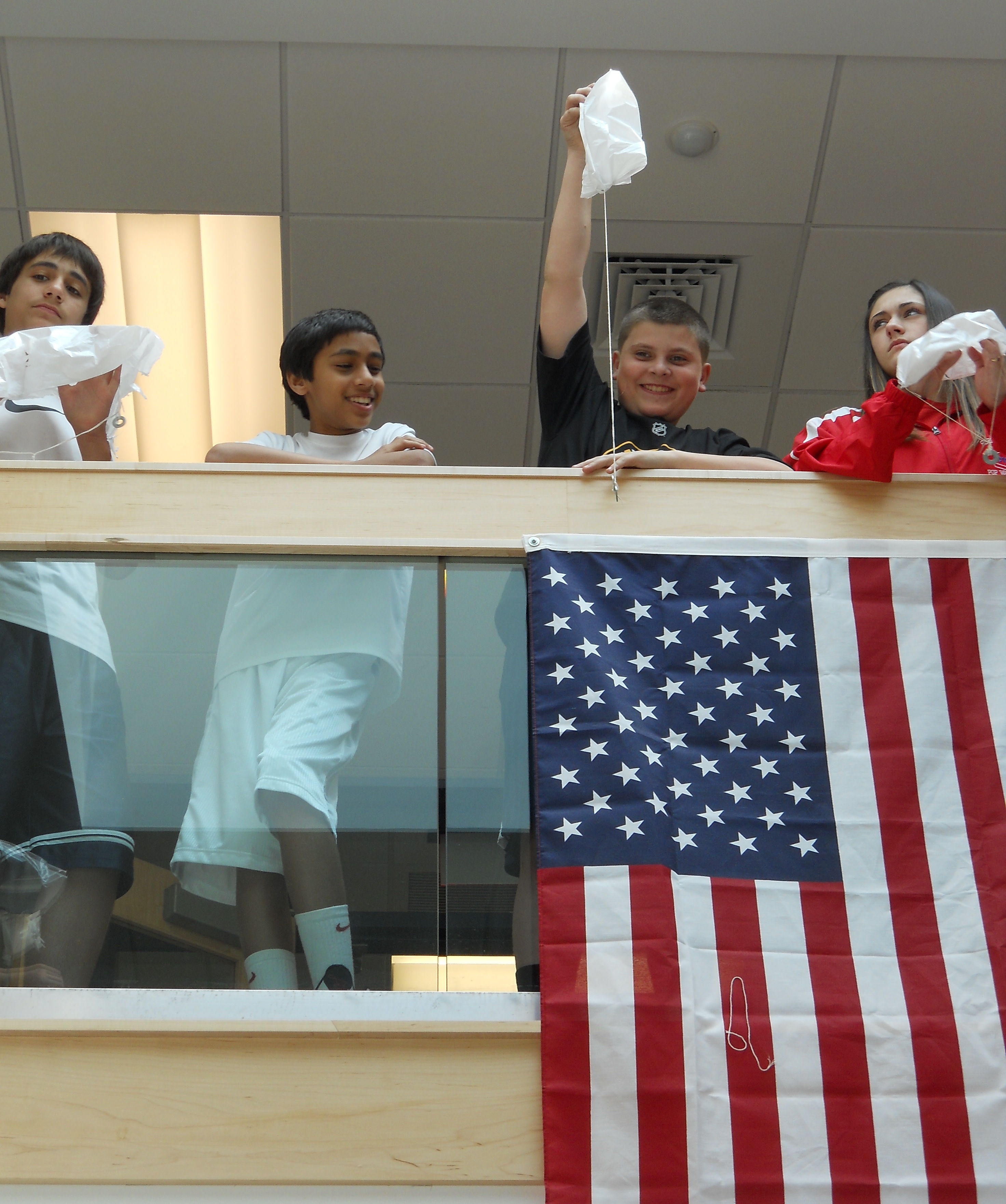
In one of their experiments, students tried to maximize air resistance by constructing a parachute out of a plastic bag and string, with 2 metal washers representing the payload. The most successful chutes were able to slow the descent to about 1 meter per second, just over 2 mph, a safe land speed for a parachutist!


As part of their study of physical science, 8th grade students learn about the many forces (mostly invisible) that affect their lives. Most well known is the force of gravity, which accelerates a falling object at nearly 10 meters per second toward the earth’s surface causing the object to go faster and faster. Air resistance, the collision of air particles pushing upward against the falling object, reduces the acceleration of gravity until the object eventually reaches a maximum or terminal velocity.
In one of their experiments, students tried to maximize air resistance by constructing a parachute out of a plastic bag and string, with 2 metal washers representing the payload. The most successful chutes were able to slow the descent to about 1 meter per second, just over 2 mph, a safe land speed for a parachutist!
Friday, May 10, 2013
Day 119 - Marshall Simonds Middle School Grade 8
8A Students Create Digital Posters using Glogster:
Students used iPads and the school’s iMac lab to research information on topics relating to the Middle Ages. These topics included knights, the Crusades, the Inquisition, Magna Carta, Kiev Rus, Feudal System, Manorial System, Black Death, chivalry, social classes, crowning of Charlemagne, medieval warfare, guilds,William the Conqueror and castles. Students enjoyed making these projects their own by adding educational videos and medieval music.
Some students went beyond using available materials and created their own videos using iMovie and greenscreen Technology. One group wrote and performed their own rap song and added it to their posters. Students enjoyed using their iPads to present their work on the classroom interactive prjojector to Superintendent Dr. Eric Conti. This was an excellent example of how technology can be used in a class to enhamce learning and incorporate the District’s 1:1 initiative.
The students were very proud of their work, as was Mrs. Volpe!
8A Presents
Please enjoy William C. and Andrew B’s, class presentation using Glogster Digital Posters. A special thank you to Sebastian B. and Will R. for their technological help in film editing.
Here are some links to students Digital Posters:
Wednesday, April 3, 2013
Day 106 - Andrew Dexter, Marshall Simonds Middle School Library/Media Specialist
Library Catalog on iPads:

No matter where you go, the iPads are being used in innovative and thoughtful ways at MSMS. The Learning Commons is no exception. Students are able access the catalog and library databases with their iPads. Instead of searching for books without specific titles in mind, students can research books and check availability right from their iPads. Mr. Dexter and Mrs. Magliozzi find this approach a helpful one, as it promotes self-inquiry and lessens the need of pulling books.

No matter where you go, the iPads are being used in innovative and thoughtful ways at MSMS. The Learning Commons is no exception. Students are able access the catalog and library databases with their iPads. Instead of searching for books without specific titles in mind, students can research books and check availability right from their iPads. Mr. Dexter and Mrs. Magliozzi find this approach a helpful one, as it promotes self-inquiry and lessens the need of pulling books.
Wednesday, March 20, 2013
Day 97 - Dennis Villano, Director of Instructional Technology
Early Update About 1:1 At MSMS:

Marshall Simonds Middle School in Burlington is 1:1 with iPads. About 860 students in grades 6-8 have been using iPads in the classroom since January. Teachers and students at MSMS were recently asked about how the 1:1 program is developing. Here are some of the early updates about the 1:1 environment and a current top ten list of MSMS apps.
Foreign Language
Students are using iPads to to practice and reinforce vocabulary. Educreations is being used to write vocabulary as dictated and translate. Educreations is also used as a review tool before assessments. Students are accessing Quia.com in order to play games that reinforce vocabulary from class. They have the option of taking class notes in Evernote or Notability. Many students are creating virtual flashcards with pictures or voice attached. Students have shown excellent growth in organization of materials using the iPad.
Music
Students in the MSMS Select Chorus use their iPads instead of sheet music. Students use a number of apps to record their parts when rehearsing. This is useful as they can hear themselves singing the correct notes, limiting the number of times a particular passage needs to be reviewed. Practice tracks are created for each part and designated Section Leaders use their iPad to reinforce music to their peers. The entire grade 6 General Music curriculum is on NetTexts. They can view videos and complete worksheets on particular topics. This eliminates the need to make photocopies. Students love the app and appreciate the consolidated organization of content.
Art
Students are using iPads to find images for art projects and incorporating the digital images into paintings, Photoshop projects, and sculpture. Students are using iPads for digital video art projects as well.
English Language Arts
iPads are being used to find poetry in music lyrics. iPad apps including Evernote and Notability are being used for note taking, worksheets, and practice. Highlighted apps include Edmodo, Socrative, Grammar, and Explain Everything. Students are using Haiku Deck and Explain Everything for presentations.
Math
Students are completing daily MCAS warm up questions and using Notability and Evernote for note taking. Explain Everything is being used for student videos and screen casts as well as some interim assessment activities. Educreations has been helpful for group or partner work and JogNog has been used for MCAS practice and review. Socrative is being used for quiz review and MCAS style questions. Students are using Google Chrome to check their stocks daily as part of the stock market game. They use Google Spreadsheets for keeping track of their stocks and Google Drive for creating letters to their companies. Edmodo is also used for daily homework and test preparation.
Social Studies
Socrative is being used for practice, review, and quizzes. Most students are using Evernote for note taking. Students have created presentations using Haiku Deck and Explain Everything which have been shown through the classroom AppleTVs or Reflector app. Students are also using the Globe and Google Earth apps to locate and describe places as topics are discussed in class.
Science
Students are using Evernote and Google Drive for note taking and science lab activities. Students are reviewing for the science MCAS using the JogNog app. Students are video recording classroom presentations and reviewing projects created by their peers. Many students have used Explain Everything and the camera roll as presentation tools.
MSMS Top Ten List of Apps (as of March 25, 2013)
1) Evernote 2) Explain Everything 3) Google Drive 4) Notability 5) Haiku Deck 6) Socrative 7) Educreations 8) Edmodo 9) NetTexts 10) JogNog
Marshall Simonds Middle School in Burlington is 1:1 with iPads. About 860 students in grades 6-8 have been using iPads in the classroom since January. Teachers and students at MSMS were recently asked about how the 1:1 program is developing. Here are some of the early updates about the 1:1 environment and a current top ten list of MSMS apps.
Foreign Language
Students are using iPads to to practice and reinforce vocabulary. Educreations is being used to write vocabulary as dictated and translate. Educreations is also used as a review tool before assessments. Students are accessing Quia.com in order to play games that reinforce vocabulary from class. They have the option of taking class notes in Evernote or Notability. Many students are creating virtual flashcards with pictures or voice attached. Students have shown excellent growth in organization of materials using the iPad.
Music
Students in the MSMS Select Chorus use their iPads instead of sheet music. Students use a number of apps to record their parts when rehearsing. This is useful as they can hear themselves singing the correct notes, limiting the number of times a particular passage needs to be reviewed. Practice tracks are created for each part and designated Section Leaders use their iPad to reinforce music to their peers. The entire grade 6 General Music curriculum is on NetTexts. They can view videos and complete worksheets on particular topics. This eliminates the need to make photocopies. Students love the app and appreciate the consolidated organization of content.
Art
Students are using iPads to find images for art projects and incorporating the digital images into paintings, Photoshop projects, and sculpture. Students are using iPads for digital video art projects as well.
English Language Arts
iPads are being used to find poetry in music lyrics. iPad apps including Evernote and Notability are being used for note taking, worksheets, and practice. Highlighted apps include Edmodo, Socrative, Grammar, and Explain Everything. Students are using Haiku Deck and Explain Everything for presentations.
Math
Students are completing daily MCAS warm up questions and using Notability and Evernote for note taking. Explain Everything is being used for student videos and screen casts as well as some interim assessment activities. Educreations has been helpful for group or partner work and JogNog has been used for MCAS practice and review. Socrative is being used for quiz review and MCAS style questions. Students are using Google Chrome to check their stocks daily as part of the stock market game. They use Google Spreadsheets for keeping track of their stocks and Google Drive for creating letters to their companies. Edmodo is also used for daily homework and test preparation.
Social Studies
Socrative is being used for practice, review, and quizzes. Most students are using Evernote for note taking. Students have created presentations using Haiku Deck and Explain Everything which have been shown through the classroom AppleTVs or Reflector app. Students are also using the Globe and Google Earth apps to locate and describe places as topics are discussed in class.
Science
Students are using Evernote and Google Drive for note taking and science lab activities. Students are reviewing for the science MCAS using the JogNog app. Students are video recording classroom presentations and reviewing projects created by their peers. Many students have used Explain Everything and the camera roll as presentation tools.
MSMS Top Ten List of Apps (as of March 25, 2013)
1) Evernote 2) Explain Everything 3) Google Drive 4) Notability 5) Haiku Deck 6) Socrative 7) Educreations 8) Edmodo 9) NetTexts 10) JogNog
Thursday, March 14, 2013
Thursday, March 7, 2013
Day 90 - Andy Dexter, Marshall Simonds Middle School Library/Media Specialist
Learning Commons Celebrates Women’s History Month:

To celebrate Women’s History Month the MSMS Learning Commons has put together a collection of books of outstanding women throughout history. Students can also participate in the “Name that Famous Woman” contest. All submissions into the contest will have the chance to win an iTunes gift card. Students can also get into the raffle by checking out one of the selected books.
Wednesday, February 6, 2013
Day 75, Marshall Simonds 8th Grade Health
The following image will help you remember that all standard alcoholic beverages contain the same amount of alcohol.
Monday, February 4, 2013
Day 73 - Dennis Villano, BPS Director of Instructional Technology
MSMS is now 1:1 iPads:

Marshall Simonds Middle School is now 1:1 with iPads! The BPS EdTech Team and MSMS staff have completed the 1:1 iPad distribution. All MSMS students now have their own iPads to use at school each day. MSMS has almost 850 students in grades 6-8.
Students received their iPads last week during special brunches. The best part of the deployment was how excited students were to receive their iPads. Several students mentioned that they couldn’t wait to get to school for the distribution days.
MSMS classrooms quickly featured lessons and activities using Evernote, Explain Everything, Notability, Haiku Deck, and DoodleCast Pro. Students clearly needed little explanation about how to use the device. I was very impressed at how engaged students were and how much they looked forward to using the devices for academic work.
Thank you to the BPS EdTech Team and BHS Student HelpDesk for their assistance. Thank you as well to the MSMS staff. MSMS teachers have been getting ready for the 1:1 environment for over a year and their students are already benefiting from their preparation. A special thanks goes to MSMS Library Media Specialist Andy Dexter for his support for the 1:1 initiative. Andy has developed a Student HelpDesk Activity Block and is working closely with all Homeroom Tech Leaders.
I am confident that MSMS will continue to develop an outstanding 1:1 environment for students and teachers. I am looking forward to helping the MSMS community during this new experience.
Please continue to follow this blog for details about the 1:1 program at MSMS. We will feature some the experiences, projects, lessons, and activities of students and the 1:1 environment at MSMS.
Dennis Villano, Director of Technology Integration
For more information about the 1:1 program at MSMS check out:
Preparing for 1:1 at MSMS
MSMS 1:1 Program Details
MSMS Blog
MSMS Learning Commons Blog
BPS EdTech Apps – Middle School Apps

Marshall Simonds Middle School is now 1:1 with iPads! The BPS EdTech Team and MSMS staff have completed the 1:1 iPad distribution. All MSMS students now have their own iPads to use at school each day. MSMS has almost 850 students in grades 6-8.
Students received their iPads last week during special brunches. The best part of the deployment was how excited students were to receive their iPads. Several students mentioned that they couldn’t wait to get to school for the distribution days.
MSMS classrooms quickly featured lessons and activities using Evernote, Explain Everything, Notability, Haiku Deck, and DoodleCast Pro. Students clearly needed little explanation about how to use the device. I was very impressed at how engaged students were and how much they looked forward to using the devices for academic work.
Thank you to the BPS EdTech Team and BHS Student HelpDesk for their assistance. Thank you as well to the MSMS staff. MSMS teachers have been getting ready for the 1:1 environment for over a year and their students are already benefiting from their preparation. A special thanks goes to MSMS Library Media Specialist Andy Dexter for his support for the 1:1 initiative. Andy has developed a Student HelpDesk Activity Block and is working closely with all Homeroom Tech Leaders.
I am confident that MSMS will continue to develop an outstanding 1:1 environment for students and teachers. I am looking forward to helping the MSMS community during this new experience.
Please continue to follow this blog for details about the 1:1 program at MSMS. We will feature some the experiences, projects, lessons, and activities of students and the 1:1 environment at MSMS.
Dennis Villano, Director of Technology Integration
For more information about the 1:1 program at MSMS check out:
Preparing for 1:1 at MSMS
MSMS 1:1 Program Details
MSMS Blog
MSMS Learning Commons Blog
BPS EdTech Apps – Middle School Apps
Subscribe to:
Posts (Atom)